Negative G2 reviews can be frustrating for software companies, particularly when they contain criticism that a vendor believes is inaccurate or unfair. Because software buyers use reviews to compare products, unfavorable feedback can also raise concerns about how a business is represented.
But can companies remove negative G2 reviews simply because they disagree with what a customer has written?
G2 distinguishes genuine customer opinions from reviews that violate its published Community Guidelines. Understanding that distinction is essential before requesting removal or taking other action.
This guide explains when negative G2 reviews may qualify for removal, which concerns are not sufficient, how vendors can evaluate potential policy violations, and what to do when a review remains published.
Quick Answer
Companies cannot remove negative G2 reviews simply because they are unfavorable. G2 may remove a review when its moderation team identifies a violation of the platform’s Community Guidelines, such as an inauthentic experience, prohibited conflict of interest, or restricted content. Software vendors can report potential violations, but G2 makes the final decision.
Why Negative G2 Reviews Usually Remain Published
G2 is designed to help software buyers learn from the experiences of other users. Those experiences may include product limitations, implementation difficulties, customer support problems, or dissatisfaction with particular features.
Negative feedback can therefore be a legitimate part of the platform’s review ecosystem.
G2’s Review Validity guidance states that the platform does not suppress negative reviews based on their tone. Its moderation standards apply to favorable and unfavorable feedback alike.
For example, a customer may genuinely believe that a product is difficult to use, even when the vendor considers its interface intuitive. Both perspectives can exist without the review violating a platform rule.
The same principle applies when a reviewer describes a disappointing support experience or disagrees with the value of a subscription.
These opinions may be subjective, but subjectivity alone is not a reason for removal.
The relevant question is whether the review complies with G2’s policies, not whether the company agrees with its conclusions.
When Can Companies Remove Negative G2 Reviews?
Negative G2 reviews may be removed when G2 determines that they violate its Community Guidelines.
The platform can evaluate concerns involving authenticity, reviewer eligibility, prohibited content, and other restrictions. A company should identify the specific issue rather than treating the negative rating itself as evidence of misconduct.
The following circumstances may justify closer examination.
Fake or Inauthentic Product Experiences
G2 requires reviews to reflect genuine firsthand experiences with the product or service being evaluated.
A review may warrant an authenticity assessment when credible information suggests that the writer fabricated an experience, misrepresented their use of the product, or submitted content on behalf of another person.
For example, a review might describe a product feature that did not exist during the period when the reviewer claims to have used it.
Such an inconsistency may be relevant, but it does not prove fraud on its own. Software features can differ across product versions, access levels, trials, and deployments.
The business should investigate the circumstances and present verifiable information rather than assume that the review is fake.
For more information, read Can Fake G2 Reviews Be Removed?.
Prohibited Reviewer Conflicts of Interest
G2 restricts reviews from certain sources that may create an unacceptable conflict of interest.
Its guidelines prohibit employees of a product’s company and employees of a direct competitor from reviewing that product.
If a vendor has credible, appropriately obtained information indicating that a reviewer falls into one of these prohibited categories, the concern may be relevant to moderation.
However, a suspected affiliation must not be treated as established fact without supporting evidence.
G2 also permits certain business partners and guest users to submit reviews, subject to its rules. Not every commercial connection makes a review invalid.
Harassment or Unauthorized Confidential Information
G2’s Community Guidelines restrict certain abusive or harassing material and the unauthorized disclosure of confidential or proprietary third-party information.
A review containing a relevant violation may qualify for moderation regardless of whether its overall rating is positive or negative.
When raising such a concern, the business should identify the specific content and explain why it may conflict with the applicable rule.
Disagreement with a reviewer’s language or criticism is not automatically the same as prohibited harassment.
Other Review Policy Violations
Additional concerns may involve impersonation, copied content, fabricated claims, or experiences that do not satisfy G2’s eligibility requirements.
G2’s published rules also establish requirements concerning the recency of product experiences and the authenticity of AI-assisted review content.
Whether a particular concern justifies removal depends on the facts and the platform’s moderation assessment.
Important: A possible policy violation is not a confirmed violation. Reporting a concern requests an assessment; it does not establish that G2 will remove the review.
What Does Not Make a Negative G2 Review Removable?
Some characteristics commonly associated with disputed reviews do not automatically justify removal.
- A one-star or low rating: Genuine negative evaluations are permitted.
- Unfavorable product criticism: Reviewers may describe limitations, poor experiences, or unmet expectations.
- Anonymous publication: G2 permits reviewers to withhold identifying information from public display while still applying its verification procedures.
- A missing customer record: A reviewer may have used the product through an employer, partner, consultant role, or another authorized arrangement.
- General or brief feedback: A lack of detail is not automatically evidence of inauthenticity.
- A difference of opinion: A vendor and a customer may legitimately disagree about usability, performance, pricing, or support quality.
For instance, a statement such as “The software was difficult to learn” may reflect a genuine experience, even if the vendor believes its onboarding process is straightforward.
Similarly, a company cannot assume that a review is fraudulent because it was submitted anonymously or uses particularly critical language.
G2’s official reporting instructions explicitly explain that positive or negative tone and public attribution status are not sufficient grounds for removal.
The distinction protects legitimate feedback while allowing potential policy concerns to be examined separately.
How to Evaluate a Negative G2 Review Before Reporting It
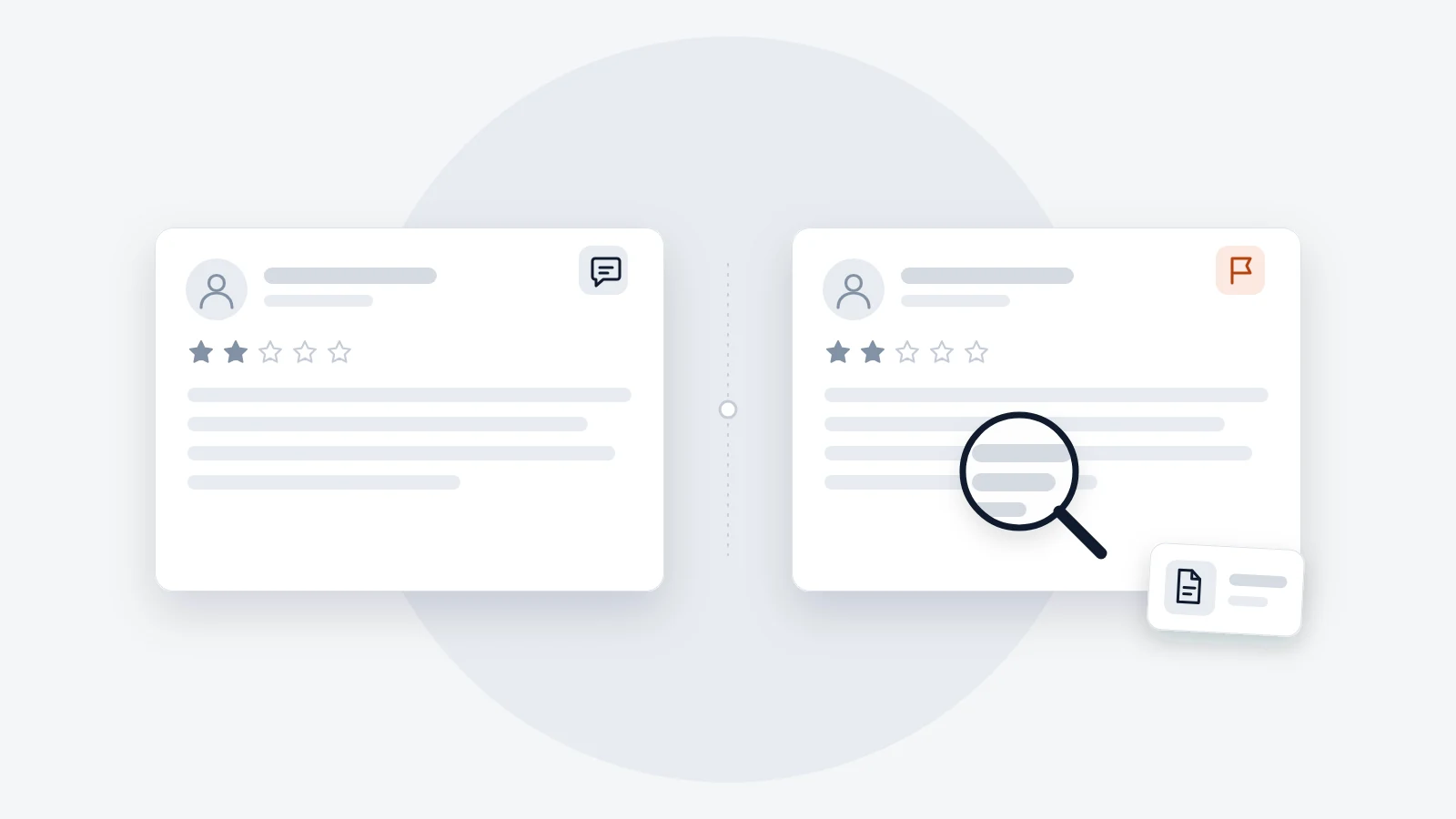
Before requesting moderation, software vendors should carry out a focused assessment.
This helps distinguish a genuine policy concern from a disagreement with unfavorable feedback.
Step 1: Identify the Specific Concern
Read the review carefully and determine which statements have raised questions.
Is the issue an apparently fabricated product experience, a possible conflict of interest, prohibited content, or simply an unfavorable opinion?
Keep the concern precise rather than challenging the entire review without explanation.
Step 2: Compare the Concern With G2’s Guidelines
Consult the G2 Community Guidelines and identify the rule that may apply.
A report should explain why particular content may violate a published standard.
If the concern cannot be connected to a relevant policy, a public response may be more appropriate than a removal request.
Step 3: Review the Available Supporting Information
Check whether the company has relevant documentation that could help clarify the issue.
Depending on the circumstances, this might include dated product information, records relating to a specific claim, or appropriately obtained evidence of a prohibited affiliation.
Avoid attempting to identify anonymous reviewers or collecting private information to challenge their feedback.
Step 4: Decide Whether Moderation Is Appropriate
If the available information supports a reasonable policy concern, the vendor can request moderation through G2’s official reporting process.
If the review instead appears to describe legitimate dissatisfaction, consider responding constructively and addressing any underlying customer-experience issue.
What Evidence Can Support a Removal Request?
A useful moderation request connects specific information to a suspected policy violation.
The type of evidence will depend on the concern. Relevant material may include:
- The review URL: A direct link identifying the published review.
- The relevant statements: The specific part of the review that raises the policy concern.
- Product documentation: Dated information that may clarify a disputed factual claim about functionality or availability.
- Appropriate business records: Information directly relevant to the issue, without disclosing unrelated personal or confidential material.
- Publicly available supporting facts: Credible information that may help establish a prohibited conflict or another applicable concern.
- A clear timeline: Dates and circumstances that help explain an apparent inconsistency.
Evidence should be accurate, relevant, and obtained through appropriate means.
Businesses should avoid submitting excessive documentation when a smaller set of records clearly explains the concern.
Example of a Policy-Based Concern
The following is an illustrative template. It should only be adapted when accurate information supports the specific issue.
We are requesting a moderation assessment of the review at [review URL] because of a potential violation of [relevant G2 guideline].
Our concern relates to [specific statement or circumstance]. The relevant supporting information is [brief description of evidence].
We recognize that the review’s negative rating is not grounds for removal. We are requesting an assessment of the specific policy concern identified above.
We understand that G2 retains authority over the moderation decision.
Do not include fabricated evidence, unsupported accusations, or attempts to reveal a reviewer’s private identity.
How to Report a Negative G2 Review for Moderation
If the review raises a reasonable concern about a possible policy violation, a software vendor can use G2’s official reporting procedure.
The process is separate from simply expressing dissatisfaction with a review.
- Sign in to G2 and locate the published review.
- Open the three-dot menu associated with the review.
- Select Report a Concern.
- Explain the suspected policy violation and provide specific, relevant details.
- Submit the concern and retain the available confirmation information.
G2 explains that additional documents or screenshots can be provided by replying to the confirmation email received after a report is submitted.
Software vendors with appropriate my.G2 access may also be able to report concerns through the Review Activity dashboard.
For the complete reporting workflow, see How to Report a G2 Review as a Software Vendor.
Submitting a report does not guarantee removal. G2 reviews the concern and determines whether action is warranted under its policies.
What Happens If G2 Keeps the Negative Review?
G2 may decide to retain a review when the available information does not establish grounds for removal under its guidelines.
That decision does not necessarily mean the company agrees with the feedback or accepts every statement in it.
It means the review remains published following the applicable moderation process.
If G2 requests additional documentation, the business can provide relevant information through the designated channel.
If no further policy-based action is appropriate, the company may still have constructive options.
These include reviewing the criticism internally, addressing recurring customer concerns, improving documentation or support processes, and responding publicly where the platform makes that function available.
G2 encourages constructive engagement with both positive and negative feedback. Public vendor response capabilities may depend on the account and its available features.
A retained review can still provide an opportunity to demonstrate professionalism and responsiveness to prospective buyers.
How to Respond Professionally to a Negative G2 Review
A public response serves a different purpose from a moderation request.
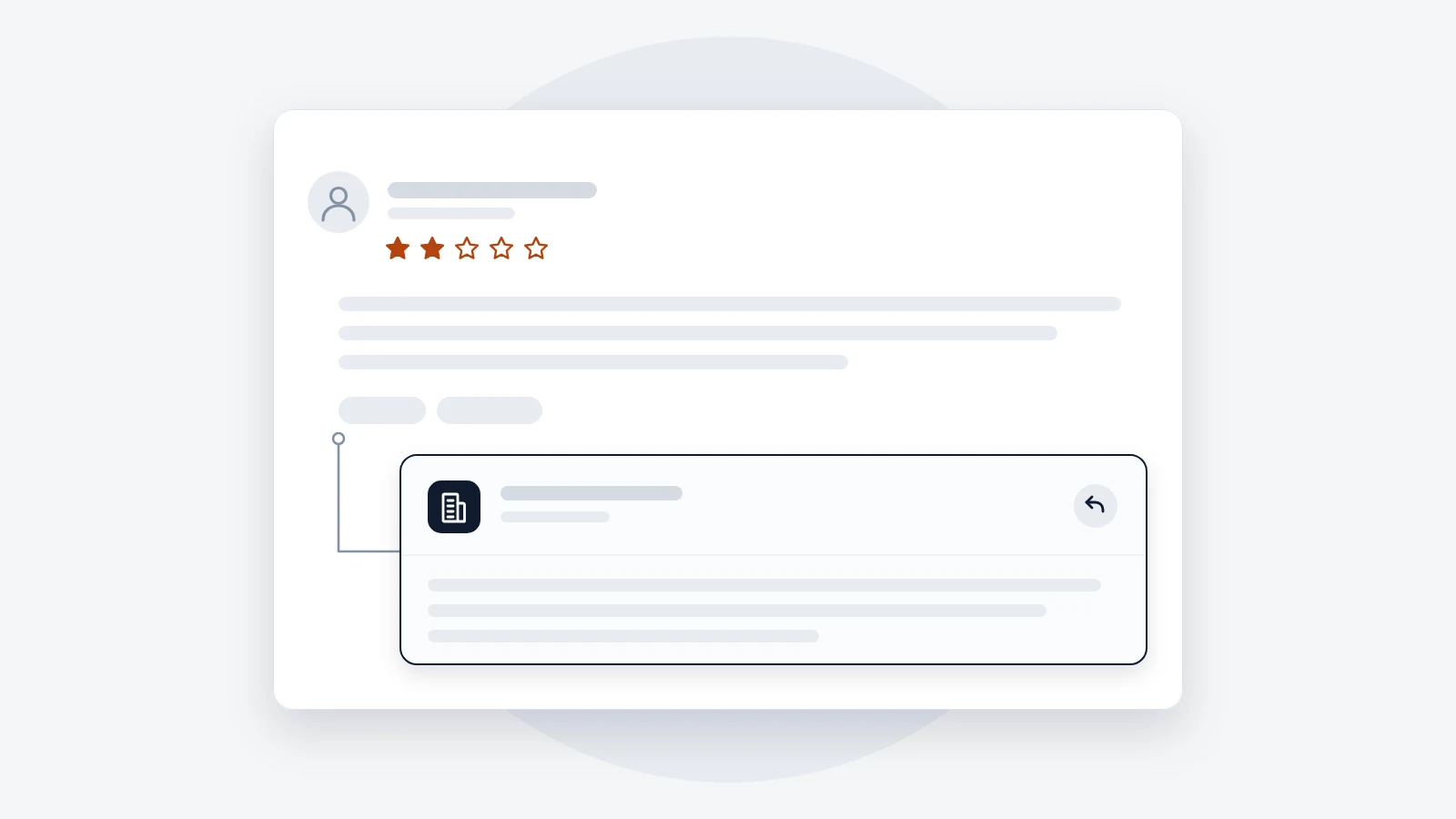
Reporting asks G2 to evaluate a possible policy violation. Responding allows the vendor to communicate its perspective and demonstrate how it approaches feedback.
When the review reflects a legitimate experience, a useful response should focus on the customer concern rather than disputing the reviewer’s right to express criticism.
Consider the following principles:
- Acknowledge the experience: Recognize the concern without assuming details that have not been verified.
- Remain professional: Avoid personal criticism, defensive language, or accusations about the reviewer.
- Clarify relevant information: Correct factual misunderstandings respectfully when reliable information is available.
- Offer an appropriate next step: Direct the customer to an established support channel when further discussion would be useful.
- Protect privacy: Do not disclose customer records, private account details, or identifying information in a public response.
Example of a Professional Vendor Response
The following example is a general template for responding to genuine critical feedback. It should be adapted to the actual circumstances.
Thank you for sharing your experience with [product name].
We appreciate the feedback about [specific concern] and understand why this aspect of your experience was disappointing.
We are reviewing the feedback internally. If you would like to discuss the circumstances in more detail, you can contact our team through [appropriate support channel].
We appreciate the opportunity to learn from customer feedback and improve the experience we provide.
This type of response does not require the business to agree with every claim. It demonstrates that the company is willing to engage respectfully.
G2 provides instructions for responding to reviews through its Review Activity documentation.
Common Mistakes to Avoid With Negative G2 Reviews
Businesses can make review concerns more difficult to resolve when they approach criticism without distinguishing between policy violations and genuine customer opinions.
Requesting removal solely because of a low rating
G2 does not remove reviews simply because they are negative. Reports should identify a relevant policy concern.
Assuming anonymous reviews are fraudulent
Anonymity is permitted under G2’s rules and does not automatically indicate that the reviewer is inauthentic.
Making accusations without supporting information
Suspicions should be distinguished from verified facts. A report is more useful when it explains the specific concern accurately.
Pressuring a reviewer to change or delete feedback
Attempts to intimidate or coerce reviewers may violate G2’s policies and can create additional problems for the business.
Disclosing sensitive information publicly
A vendor response or moderation report should not expose unrelated personal information or confidential customer records.
Expecting a guaranteed removal outcome
G2 retains authority over moderation decisions. Neither a vendor nor an independent service provider can independently delete a published review.
A careful approach helps businesses protect the integrity of their concerns while respecting legitimate customer feedback.
Frequently Asked Questions About Negative G2 Reviews
Can companies remove negative G2 reviews themselves?
No. A software vendor cannot independently delete a customer review from G2. It can report a potential violation through the platform’s official channels, but G2 makes the final moderation decision.
Will G2 remove a one-star review?
Not simply because it has one star. A low rating is permitted when it reflects a genuine user experience. Removal may be considered if the review separately violates a relevant G2 policy.
Can I remove a negative G2 review that contains inaccurate information?
An alleged inaccuracy does not automatically qualify a review for removal. The concern should be assessed against G2’s published guidelines. Where the issue is a difference of opinion or a disputed customer experience, a professional response may be more appropriate.
Are anonymous negative G2 reviews eligible for removal?
They may be reported when a relevant policy concern exists, but anonymity itself is not a violation. G2 permits anonymous publication while applying its internal reviewer-validation standards.
Can a competitor’s negative G2 review be removed?
G2 prohibits reviews submitted by employees of a direct competitor. If credible information indicates a prohibited affiliation, the vendor may report the concern. G2 evaluates the evidence and determines the outcome.
What should a company do if G2 refuses to remove a review?
The company can review the available outcome, provide further relevant information if requested, and consider responding professionally where that feature is available. Repeated unsupported reports or attempts to pressure the reviewer are not appropriate alternatives.
Official G2 Resources
For current information about review moderation, reporting procedures, and vendor engagement, consult G2’s official resources:
- G2 Community Guidelines — Rules governing authentic experiences, reviewer eligibility, prohibited content, and vendor conduct.
- G2 Review Validity — Information about review verification, neutrality, reporting concerns, and the treatment of negative feedback.
- Reporting a Review for Moderation — Official instructions for submitting a concern about a published review.
- Review Activity in my.G2 — Instructions for reviewing feedback, responding to published reviews, and reporting concerns through the vendor dashboard.
G2 Review Removal is an independent service and is not affiliated with or endorsed by G2.
Concerned About a Review on G2?
If your company has identified a review that may conflict with G2’s guidelines, learn how our independent service approaches policy-based assessments and moderation assistance.
Explore Our G2 Review Removal Service